What a PINN actually is
A PINN is a neural network whose loss function includes both a data-fitting term (predicted output matches observed data) and a physics-residual term (predicted output satisfies the governing PDE — Navier-Stokes, heat equation, linear elasticity, whatever). The physics term acts as a strong regularizer, which is why PINNs can interpolate accurately from sparse data where a plain MLP would overfit. The combination is the trick; either term alone is just regression or just a poorly-trained PDE solver.
Where PINNs win versus classical FEA
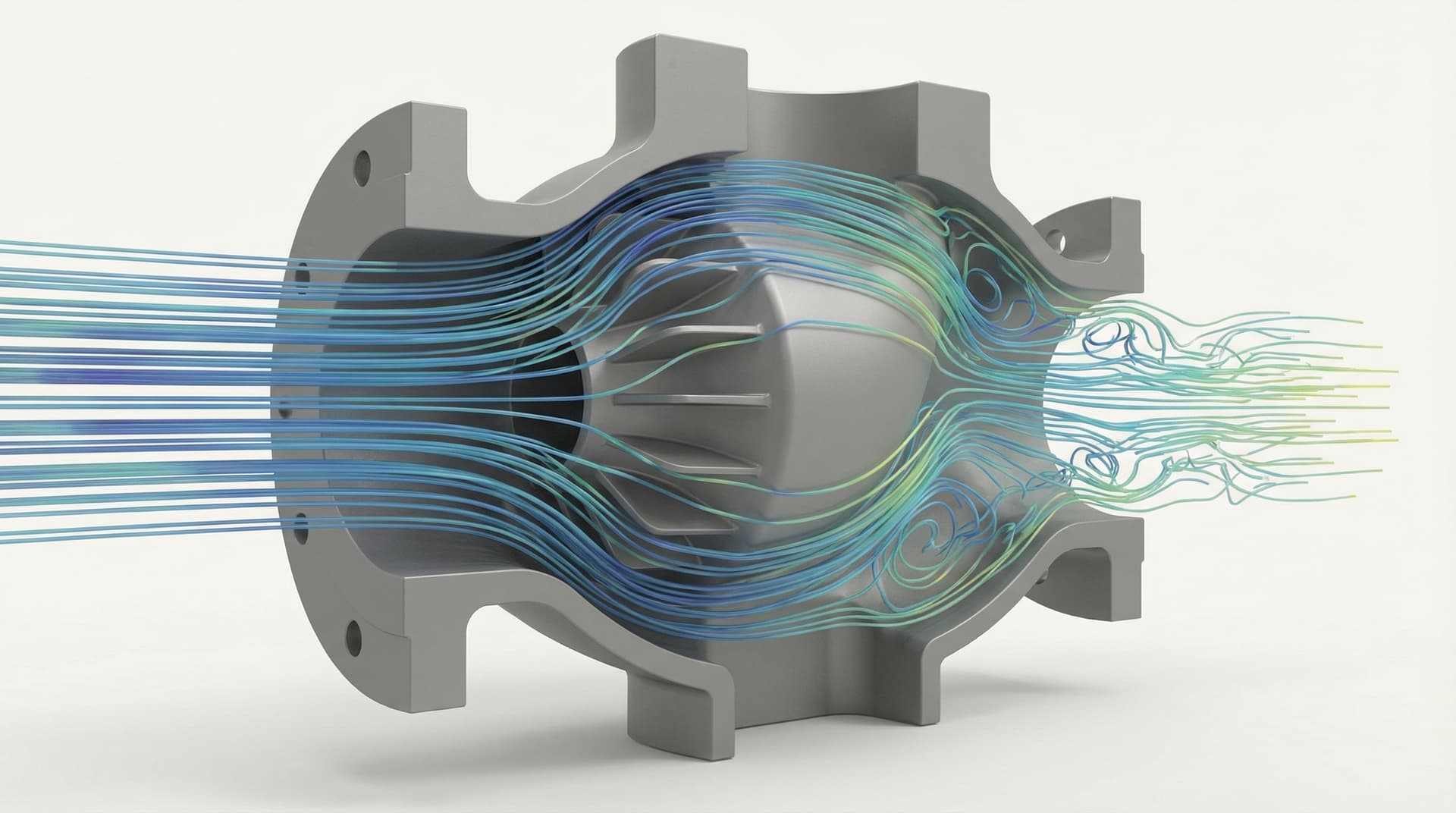
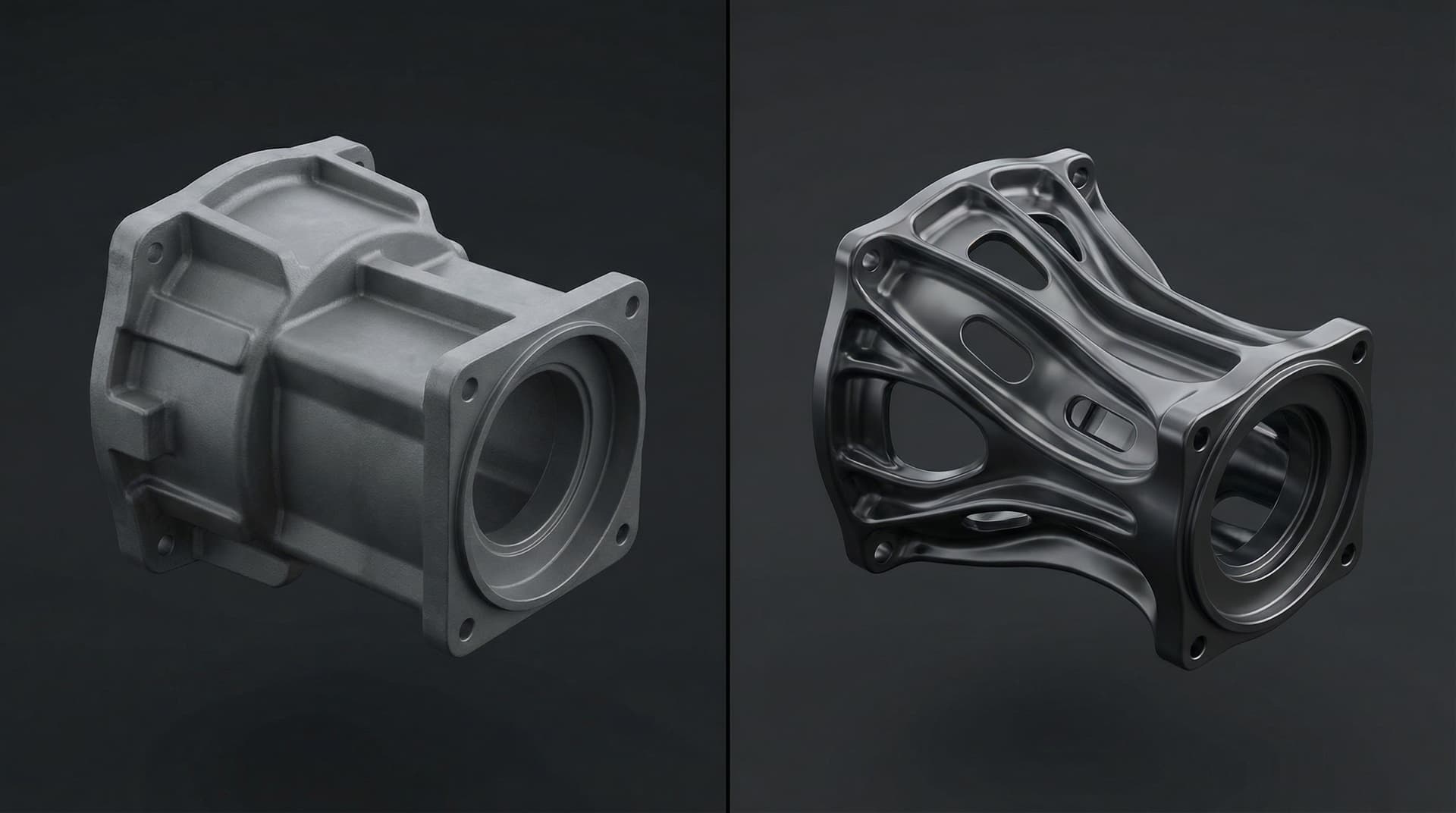
Three problem shapes where PINNs shift productivity decisively: (1) parametric exploration — train once on a family of geometries or load cases, then predict in milliseconds across the parameter space. ANSYS gives you one solve per minute; a PINN gives you a thousand predictions per second. (2) inverse problems — find the boundary conditions, material parameters, or geometry that produce an observed response. PINNs treat this as part of training, where classical FEA has to wrap each forward solve in an outer optimization loop. (3) sparse-data calibration — physics regularization lets a PINN fit a model from sensor readings that's underdetermined for pure regression.
Where PINNs lose
Three problem shapes where PINNs are not the right tool: (1) one-off high-fidelity solves on novel geometry — training a PINN costs more than just running ANSYS once. (2) sharp shocks, contact dynamics, or material-failure problems — PINNs struggle with discontinuities and the loss landscape becomes treacherous. (3) problems with extreme parameter ranges — PINNs are accurate inside their training envelope and extrapolate poorly. Use the right tool for the shape of your problem.
Training a PINN that ships — the practical workflow
Five steps that separate a research paper from a production tool: (1) define the parametric family precisely (geometry parameters, load ranges, material grades) and bound the training envelope. (2) sample the parameter space with active learning, not uniform grids — same training cost, 5–10× more useful coverage. (3) ground-truth a sparse representative set in ANSYS / Abaqus / OpenFOAM and use those as data-fitting anchors. (4) tune the physics-residual loss weight carefully — too low and the network ignores physics, too high and it ignores the data. (5) validate against held-out FEA solves and report mean and worst-case error — never a single 'accuracy' number.
Integration with SolidWorks and ANSYS workflows
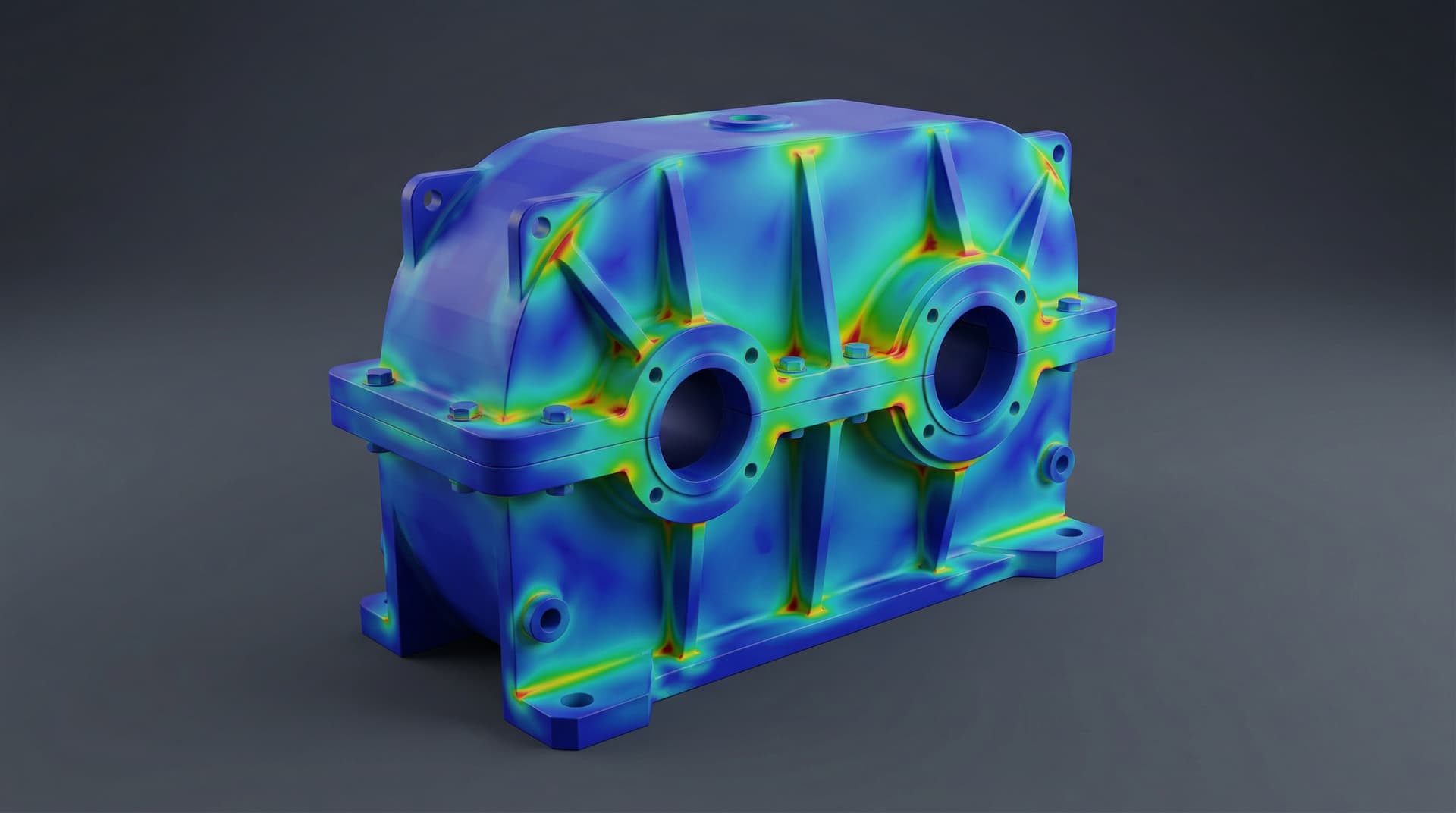
A PINN that lives in a Jupyter notebook is a research project. A PINN that ships as a SolidWorks task-pane add-in or a FastAPI service the CAD tool calls on every parameter change is a productivity tool. Engineers should see the predicted stress field interactively as they drag dimensions — that's where the 100× productivity gain comes from. Always include a 'full-fidelity check' button that runs the real ANSYS solve in the background for confirmation.
Validity envelope and the safety story
A PINN that doesn't tell you when it's outside its trained range is dangerous — engineers will trust it on geometry it has never seen, and they'll be wrong. Always publish a validity envelope (parameter bounds, load bounds, material grades) and gate predictions on it. Outside the envelope, refuse to predict and fall back to classical FEA. This is what separates a tool engineers trust from a tool that quietly misleads them.
Working with YantriX on PINN programs
We build PINN-accelerated FEA and CFD pipelines for Indian and international engineering teams — typical engagement is 14–22 weeks from problem definition to integrated tool. Deliverables include the trained PINN, a validity envelope, an integration shim into SolidWorks / ANSYS / your tool of choice, and an MLOps handoff so your team can retrain when the design family expands. Send us the parametric family and ground-truth solver and we'll come back with a phased scope within a business day.