Why YOLOv11 on Jetson Orin Nano
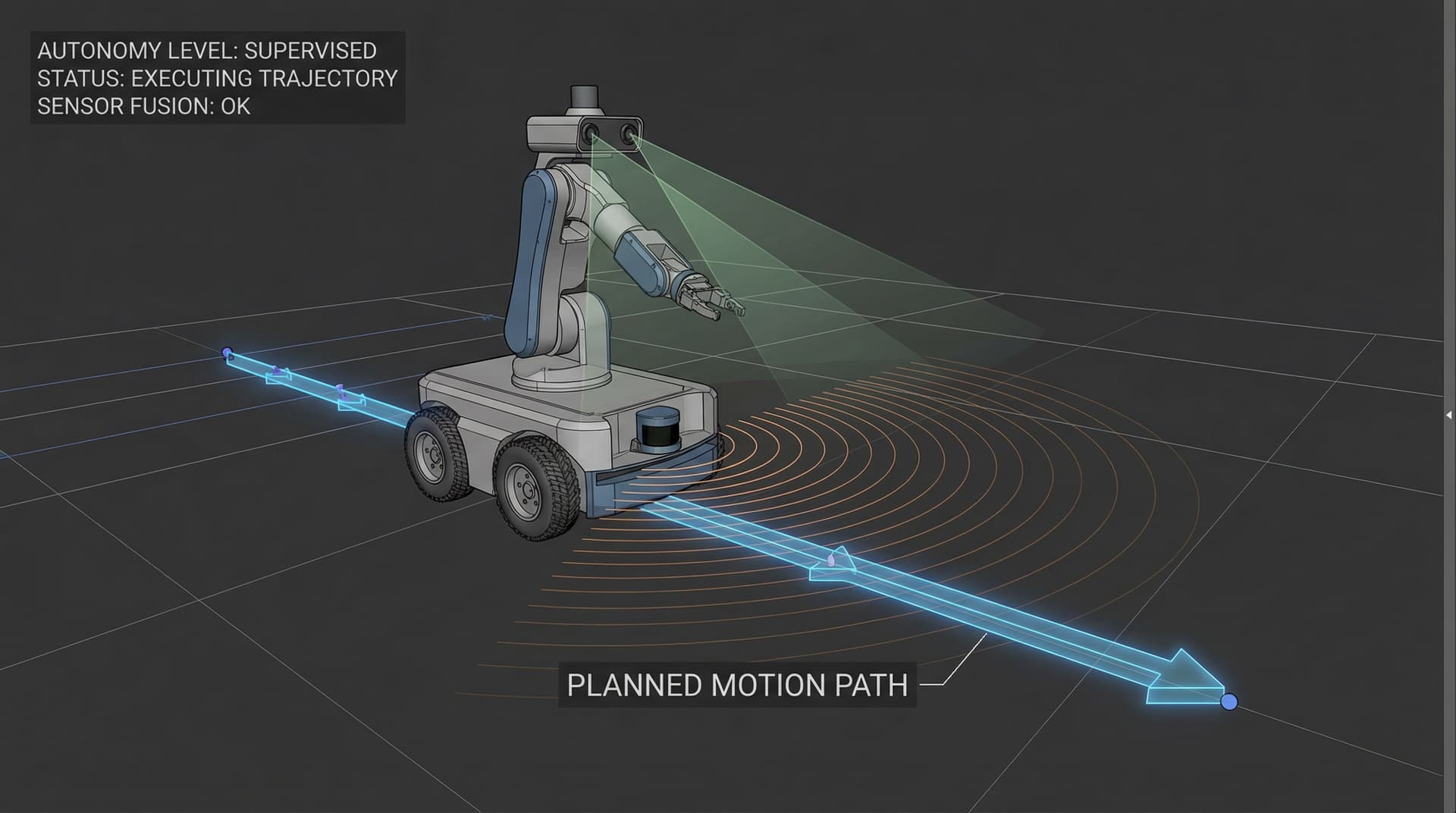
For vision-guided robotics and industrial inspection, YOLOv11 hits a sweet spot — it's accurate enough for production, small enough to quantize well, and has first-class support for segmentation, which matters when you're picking a part from a cluttered bin. Jetson Orin Nano (8 GB) gives you real CUDA + TensorRT on a module that costs about as much as a mid-range GPU and fits in the cell — no PC, no cloud.
Training with deployment in mind
The first decision that actually matters isn't about the model — it's about input resolution. Going from 640 x 640 to 320 x 320 roughly quarters inference time and usually costs only a few points of mAP on short-range inspection. Pick the smallest input size your worst-case object still survives at, then train there. This is the most common step teams skip and regret later.
ONNX export and TensorRT conversion
Export the trained model to ONNX with opset 17+, then convert via trtexec with --fp16. On Jetson Orin Nano we consistently see a 3-4x speed-up versus PyTorch runtime and a 1.8-2.2x speed-up versus plain ONNX Runtime on the same hardware. Keep the TensorRT engine file versioned alongside the model — engines aren't portable across Jetson variants or JetPack versions.
INT8 quantization — when it's worth it
INT8 gets you another ~1.6x over FP16 on Orin, but requires a calibration dataset that covers the edge cases your model will see at runtime. Skip calibration and your accuracy falls off a cliff on corner classes. We typically ship FP16 unless we genuinely need the extra headroom — it's the better risk-adjusted choice.
Monitoring and model updates in production
Once the model is on the device, you need a ring buffer of borderline detections (confidence near the decision threshold) getting uploaded for offline review. Without it, you don't learn what's changing in the real world. For fleet-wide deployment, watchdogs, and hardware provisioning, read our full operational playbook on Deploying YOLO on NVIDIA Jetson in India. We also version every deployed engine with git SHA + dataset hash and sign OTA artifacts so a rollback is one command.